Beyond the Frame: AI Weekly Digest #9
Mar 17, 2026
Welcome back to the Beyond Edge AI weekly digest — and this week the news hits close to home for anyone in the AI creative space. Seedance 2.0 just got officially delayed worldwide and the legal battle with Hollywood is heating up fast. Grok keeps shipping at a pace nobody expected, Google dropped major updates to both Maps and NotebookLM, InVideo made your captions actually look good, and Cascadeur quietly pushed AI animation forward for anyone working in 3D. A packed week. Let's get into it.
Seedance 2.0 — Official Global Delay
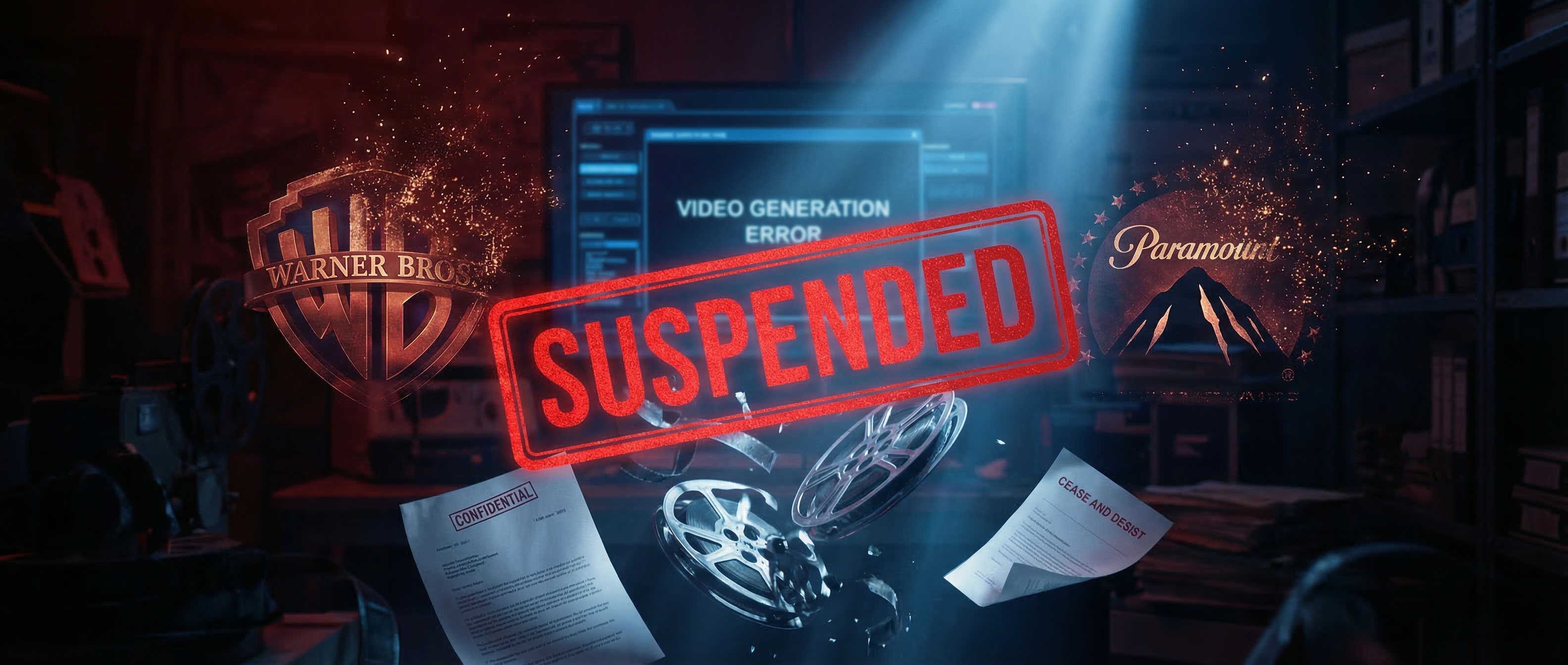
Remember the Seedance 2.0 chaos from a few weeks ago? Well, it just got official. ByteDance has formally paused the global launch of Seedance 2.0 following legal pressure from major Hollywood studios, including cease-and-desist letters triggered by viral videos of Tom Cruise fighting Brad Pitt and other copyrighted characters generated by the model. On March 15, ByteDance officially announced that the overseas API release is suspended indefinitely — meaning the official international platform BytePlus currently only offers the older Seedance 1.5 Pro, with no clear timeline for when 2.0 will return. Warner Bros., Disney, and Paramount are all involved, and the Japanese government has reportedly launched its own investigation over anime characters appearing in generated videos. ByteDance says it's working on copyright protection and deepfake defense mechanisms before reopening access — but given the scale of the legal pushback, this one could be off the table for months.
Grok Imagine — Up to 7 Reference Images

xAI just pushed a genuinely useful update to Grok Imagine, and the AI creator community took notice fast. Grok Imagine can now weave up to seven separate images into a single cohesive video — characters from one photo, a location from another, objects from several more — with the model synthesizing them into one output clip. The images can reference people, objects, or even keyframes, making it really flexible for building complex multi-element scenes from a single prompt. It's live now on iOS, Android, and web for X Premium subscribers, with API access available at $0.05 per second for developers. The pace of iteration at xAI has been remarkable — from API launch in January, to 10-second 720p clips in February, to Extend from Frame in early March, to this. Four meaningful updates in under six weeks. And if you think this is Grok moving fast, zoom out for a second — because the bigger picture is even wilder. Tesla just confirmed Terafab, a chip fabrication facility targeting 2 nanometre process technology, designed to produce Tesla's fifth-generation AI5 chip for both its autonomous vehicle program and xAI's Grok training infrastructure. On top of that, Musk unveiled Macrohard — also known as Digital Optimus — a joint Tesla-xAI project that pairs Grok as the high-level reasoning brain with a Tesla-built agent that handles real-time screen interactions, effectively positioning the system as capable of emulating the functions of entire companies. In-house chips, an agentic platform, and a relentless product cadence — xAI isn't quietly iterating anymore. They're making it very clear they're coming for the top.
Google Maps Major Update

Google just dropped what it's calling the biggest Maps update in over a decade, and honestly, the claim holds up. Two new features are at the center of it all: Ask Maps, a Gemini-powered conversational experience that lets you ask complex real-world questions and get personalized recommendations, and Immersive Navigation, a complete visual overhaul that brings full 3D driving views, highlighted lane markings, crosswalks, and traffic lights right onto your map. Ask Maps is genuinely different from what Maps used to do — instead of typing "coffee shop" and scrolling through 47 blue pins, you can now ask something like "where can I charge my phone without waiting in a long line for coffee?" and get an actual answer. Google didn't build a separate app or bolt on a chatbot — they just made Maps smarter. You open the same app you've always used, and it quietly understands a whole lot more. Rolling out now in the U.S. and India on iOS and Android, with more countries coming soon.
NotebookLM — Cinematic Video Overviews

Google just gave NotebookLM a serious upgrade and the research and education world is paying close attention. Cinematic Video Overviews move well beyond the old narrated slides format — using a three-model stack of Gemini 3, Nano Banana Pro, and Veo 3 to generate fluid animations and richly detailed visuals tailored to your uploaded source material. The workflow is beautifully simple: upload your PDFs, docs, or research papers, hit generate, and the system assembles a storyline, selects visual treatments, and renders sequences tied directly to your sources — making hundreds of structural and stylistic decisions on pacing, tone, scene layout, and text overlays. Think of it as dropping a 40-page research report and getting back a short documentary. For educators, content creators, and anyone who's ever stared at a wall of notes trying to figure out how to make them digestible for an audience, this is a genuinely big deal. The catch is the price — it's exclusive to the $249.99/month Google AI Ultra plan, which bundles in Gemini 3 Deep Think, Veo 3, Flow video editor, and 30TB of storage. That's a steep ask for individual creators, but if you're already deep in the Google AI stack, the math starts to make sense pretty quickly
Dynamic Captions in InVideo
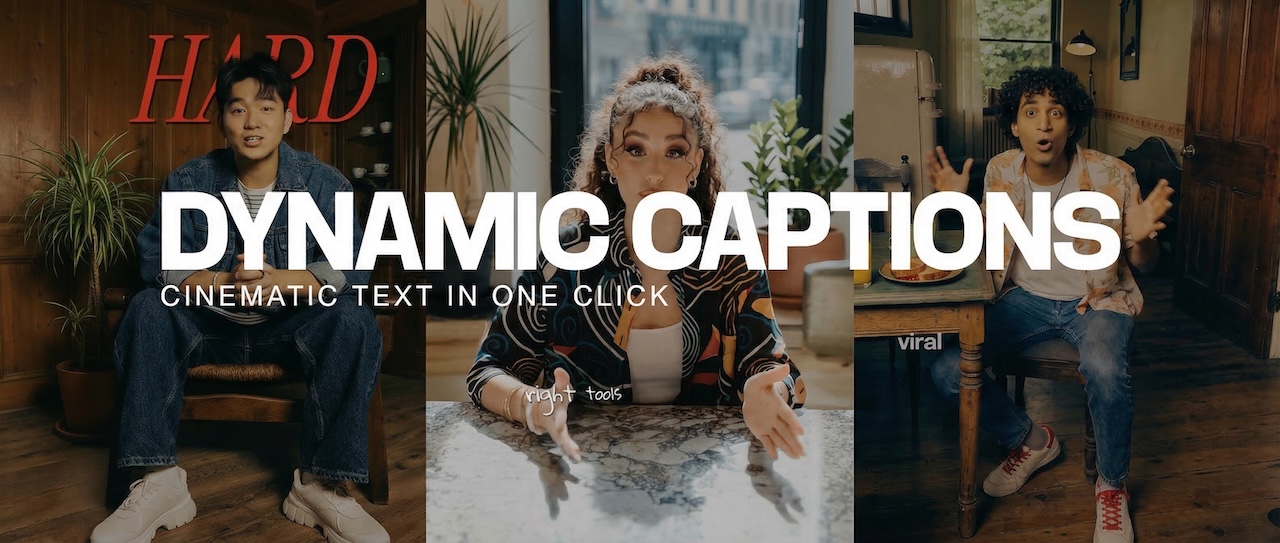
InVideo just shipped Dynamic Captions and it's one of those updates that sounds small until you actually use it. If your videos are still using plain white subtitles in 2026, this feature is the wake-up call — it's word-by-word animated text that actually looks cinematic, live on InVideo with one click. The feature brings animated text word by word with keyword highlighting, color changes, and real typography, with different styles including clean, handwritten, bold behind the subject, vertical scroll, and gradients — all in a single click. For anyone making talking head content for TikTok, Reels, or YouTube Shorts, this is a significant quality-of-life upgrade. No more jumping to a separate captions tool or manually styling subtitles frame by frame. It's a small feature with a big impact on how polished your content looks on scroll.
AI Animation Generation in Cascadeur
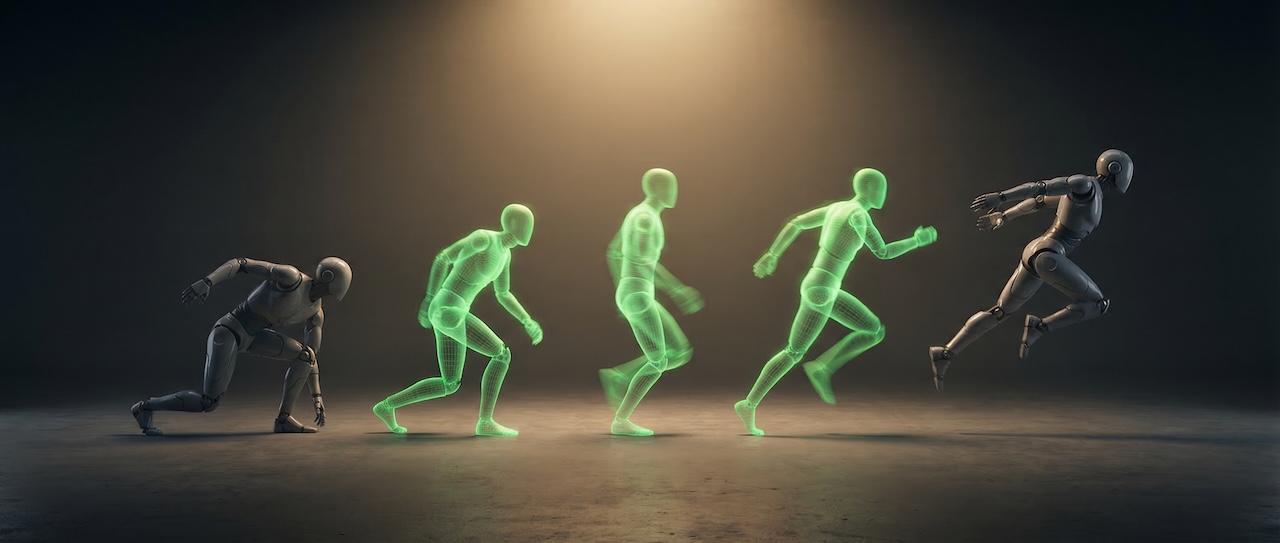
Cascadeur has been quietly building one of the most interesting AI animation tools in the 3D space, and their latest updates are worth paying attention to if you're in game dev or character animation. At the core of recent updates is a significantly improved AI Inbetweening system — smoother transitions, more precise results, and new ways to control motion between keyframes. The system uses machine learning to generate physically believable motion between your key poses, meaning you set the start and end, and the AI figures out how the body should move in between — naturally, with weight and momentum. Looking ahead, the Cascadeur team has signaled that the direction is toward a future where you describe the motion you want and the system generates it — but they're clear they're not there yet. For now it's still a tool that assists the animator rather than replacing them, which is exactly what most studios actually want. The upcoming 2026.1 release will also bring a full switch to Filament, Google's physically based renderer, meaning viewport previews will finally look closer to final output quality
Want to go beyond weekly updates?
Our AI Filmmaking Course gives you a complete, practical workflow — from writing and design to directing and post-production. We keep the course updated as the tools evolve, so you always stay ahead.