Beyond the Frame: AI Weekly Digest #8
Mar 10, 2026
Welcome back to the Beyond Edge AI weekly digest — and this week, things got interesting. We've got a fully local open-source video editor that runs on your machine, a storytelling model trying to build entire short films from a single prompt, Adobe finally solving the blank timeline problem, and Luma dropping something that feels less like a tool and more like a creative co-pilot you just have a conversation with. Higgsfield also had a big week with three new tools and a full audio suite, and Kling 3.0 just dropped with motion control upgrades we actually put to the test. It's the kind of week where you finish reading and immediately want to go make something. Let's get into it.
LTX Desktop Release

LTX Studio just made a move that no other AI video company has — they shipped a fully local, open-source video editor that runs entirely on your machine. LTX Desktop is built on the new LTX-2.3 engine and is completely free for individuals and companies under $10M in revenue, with no cost per generation and no internet connection required after the initial setup. It supports text-to-video, image-to-video, and audio-to-video generation, and comes with proper NLE editing tools — trim, color correction, transitions, subtitle workflows — the works. Your footage never leaves your device, and since January the community has already been building LoRAs, custom ComfyUI nodes, and quantizations on top of it. If you've been paying per-clip on Runway or Kling, this one is worth a serious look.
PAI by Utopai Studios

Utopai Studios just opened public access to PAI, and if you care about long-form AI storytelling, this is the most interesting video model drop of the month. PAI is built specifically for multi-scene narratives — it keeps characters and environments stable across sequences, supports up to 16 shots in a single flow, outputs up to one minute of video at 4K, and lets you iterate on performance, motion, and composition at the frame level without restarting the whole sequence. There's also a copyright safeguard baked in — it blocks generation against protected IP and public figure likenesses at the workflow level, which feels like a direct lesson learned from the Seedance 2.0 mess. Now, to be fair — the technology is still pretty rough around the edges, and in terms of raw visual quality it's not going to challenge the market leaders anytime soon. But the whole concept of feeding the model a shot list and having it build out an entire short film from end to end? That's the direction everything is heading. The idea that you prompt a story, drop in your script, and get back a fully structured cinematic sequence is going to keep getting better fast — and PAI is one of the first tools actually committed to that workflow.
Adobe Firefly Quick Cut

Adobe just shipped Quick Cut in beta for the Firefly Video Editor, and it's basically trying to solve the most painful part of video editing: the blank timeline. You upload your raw clips, tell it what kind of video you're making — interview, product demo, travel vlog — and Quick Cut automatically assembles a structured first edit, handling cuts, pacing, and B-roll transitions without you touching the timeline. You can also feed it a script or shot list if you want more control. It's not trying to replace Premiere Pro — it's designed to get you from "I have a pile of footage" to "I have something to work with" as fast as possible. Adobe's big advantage here is integration — the edits flow straight into Creative Cloud, so you can finish in Premiere or After Effects without any awkward export steps. Currently in beta, free to try at firefly.adobe.com.
Luma Agents
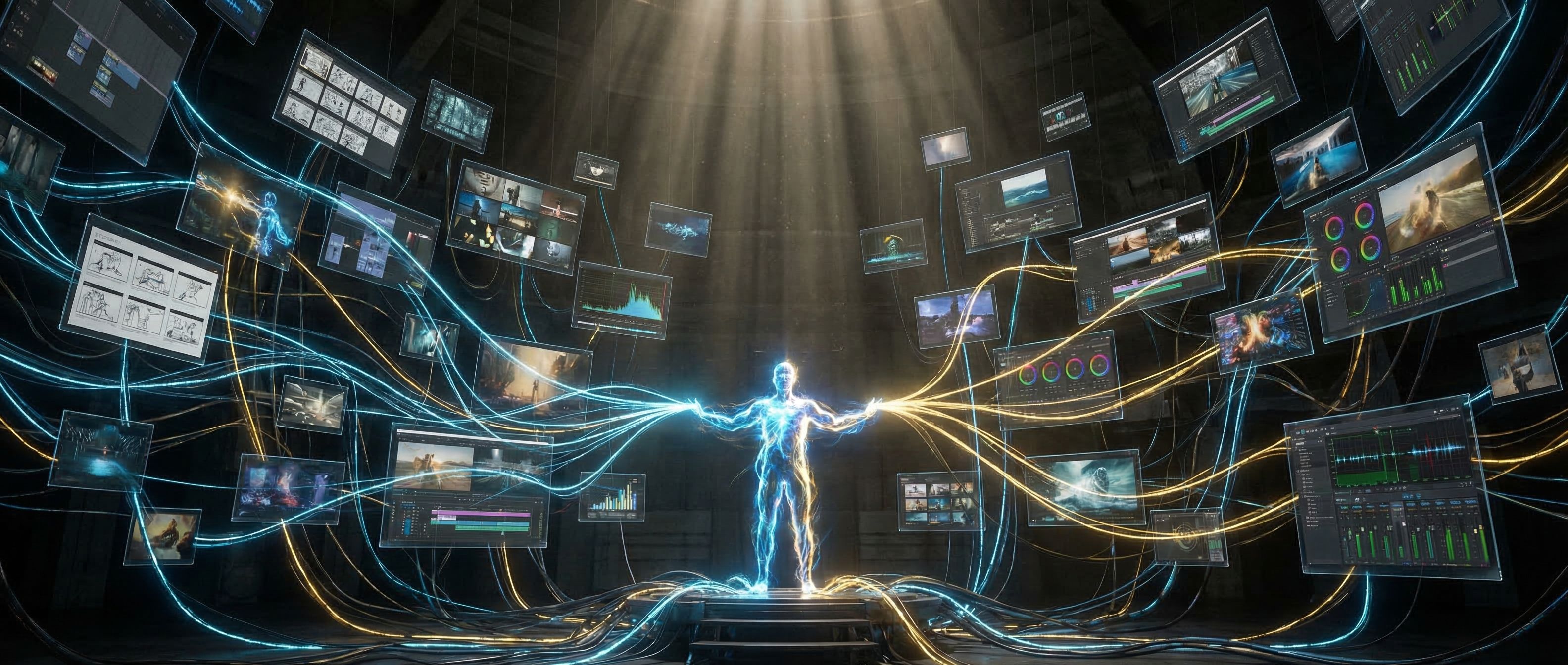
Luma just made its biggest bet yet. They launched Luma Agents — not a new video model, not a feature update, but an entirely new category of AI creative collaborator. The agents maintain shared project context across text, image, video, and audio, can evaluate and refine their own outputs through iterative self-critique, and automatically route tasks to the best model for each step — coordinating across Luma's own tools as well as external models like Veo 3, Sora 2, Kling 2.6, and ElevenLabs. But here's what really blew up the internet about this one — it's not just another video tool. Luma Agents work more like a conversation model, think ChatGPT or Gemini, where you feed it information, describe what you want, and it builds the entire production pipeline for you on the fly. That's a massive leap. The pitch is bold: in a live demo, they apparently reproduced a brand's $15 million year-long global campaign in 40 hours for under $20,000. Whether or not those numbers hold up in the real world, the direction is clear — this is another giant step toward what we'd call creative vibe coding, where the pipeline builds itself and you just direct.
Higgsfield New Tools — Soul HEX, Moodboards & Soul Cinema

Higgsfield has been quietly dropping features all month and the cumulative effect is pretty significant. Soul HEX lets you extract the exact color palette from any reference image and apply it consistently across all your generations — so instead of trying to describe a vibe in words, you just point it at a photo. Moodboards take that further: you upload up to 80 reference images, Soul 2.0 learns your aesthetic, and from that point on every generation carries your visual signature automatically. And then there's Soul Cinema Preview — a brand new in-house image model built specifically for cinematic output, with richer textures, natural grain, and film-like lighting that looks genuinely different from standard AI image generation. That said, let's be real — if you're used to working with Nano Banana 2 or Nano Banana Pro, Soul Cinema isn't going to replace them on pure output quality. But as a tool that lives inside your existing Higgsfield workflow? It's a very convenient addition, and the consistency tools around it — HEX and Moodboards — are honestly where the real value is.
Higgsfield Adds Audio Tab

Higgsfield just crossed into full-cycle production territory. The new Audio Tab launches with three tools: Voiceover, Change Voice, and Translate — covering text-to-speech, voice swapping on existing footage, and lip-synced translation across 70+ languages, all without leaving the platform. What's interesting is what's under the hood: the Voiceover and Change Voice functions are powered by ElevenLabs, which is solid for most use cases. But alongside that you also get access to MiniMax Speech — which is worth knowing about if you're producing high-quality podcasts or anything that needs that extra layer of vocal richness — and VibeVoice, which shines for long-form narration where you need consistent, stable audio across extended recordings. Before this update, that whole chain meant bouncing between three or four different platforms. Now it's one tab. For creators making content at scale or localizing for multiple markets, that's a genuinely big deal.
Kling 3.0 & Updated Motion Control
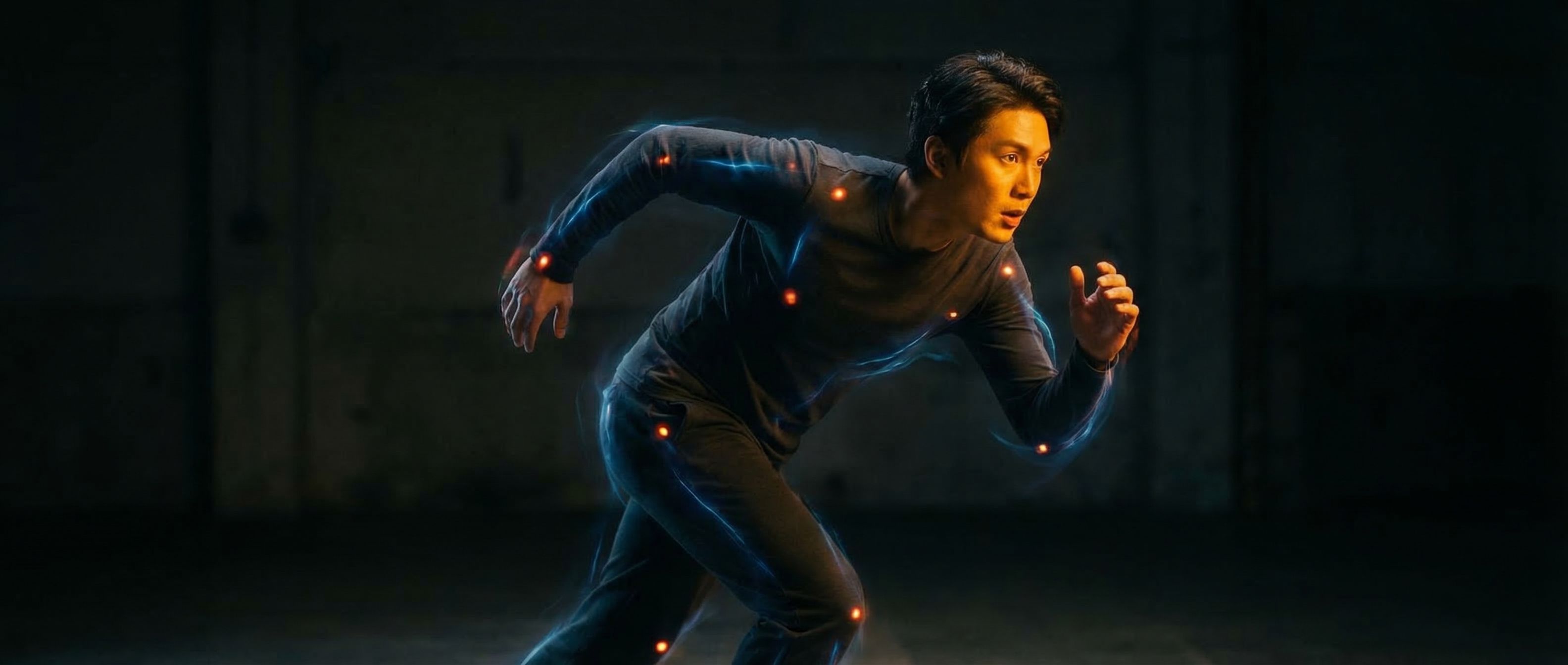
Kling just fully rolled out version 3.0 and the AI video community has been all over it. The big star of the release is the upgraded Motion Control system — you take a reference image of your character, pair it with a motion reference video, and the AI applies the movements, facial expressions, and pacing frame by frame onto the still image while keeping the character's visual identity intact. The new Element Binding system keeps faces stable and recognizable across every angle, emotion, and occlusion — so hats, hands, or foreground objects partially blocking the face no longer break character identity. We tested it ourselves and the improvement over 2.6 is real and noticeable — character consistency is genuinely better, facial expressions transfer with more accuracy, and complex movements hold together much cleaner. That said, it's not perfect yet. Moving backgrounds are still a problem — the moment your scene has environmental motion happening behind the character, things start to fall apart pretty quickly. Camera movement is also still a weak point; pans and tracking shots tend to introduce inconsistencies that you'd never get away with in a real production. It's a big step forward, no question — but if your shot requires a dynamic environment or active camera work, you'll still want to plan around those limitations for now.
Want to go beyond weekly updates?
Our AI Filmmaking Course gives you a complete, practical workflow — from writing and design to directing and post-production. We keep the course updated as the tools evolve, so you always stay ahead.