Beyond the Frame: AI Weekly Digest #2
Dec 14, 2025
While this week wasn’t quite as overflowed with headlines as the last, the AI industry never truly sleeps. There were still some major developments and updates that we are eager to share with you.
🌊 Google Flow Update: We Tested Veo’s Object Removal

@FlowbyGoogle officially highlighted their new "Object Removal" feature, pitching it as a way to "refine your shot without starting over" by removing specific details while keeping the rest of the clip intact. However, after taking the feature for a spin ourselves rather than relying on the demo reel, we found it currently functions like an early beta: it works reliably only on small, isolated objects in relatively static shots. In our testing, the model struggled significantly with dynamic camera movements and appears to have strict safety guardrails that consistently reject requests to remove characters, limiting its current utility for complex scene alterations.
🏰 Disney & OpenAI: The $1 Billion Pivot
@wallstengine broke the massive news that Disney ($DIS) is investing $1 billion in OpenAI and signing a 3-year licensing deal that will integrate the Sora model into its production pipeline. The partnership will allow for the generation of short videos featuring over 200 iconic characters from the Marvel, Pixar, and Star Wars universes. Starting in early 2026, this deal aims to open the door for fan-created character clips, signaling a major shift in how Disney manages its IP in the age of generative media.
💃 Precise Motion: The Kamo-1 Breakthrough
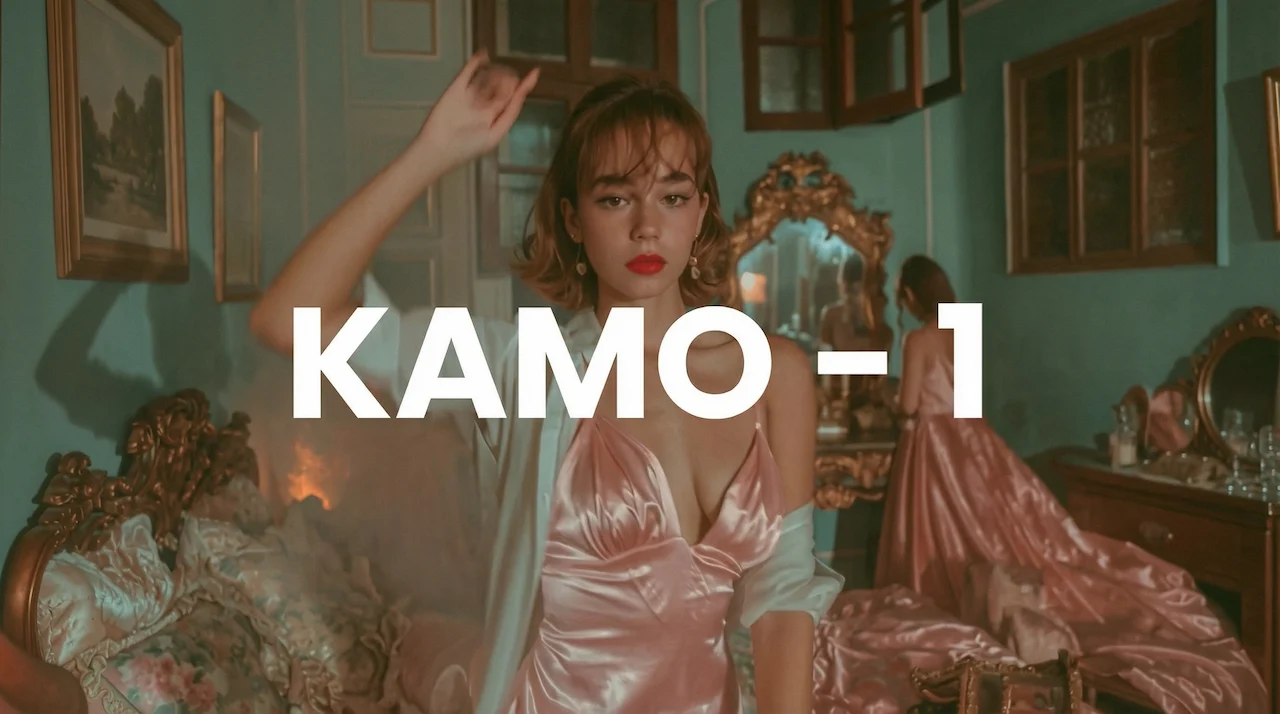
@WorldEverett focused on the difficulty of achieving precise character motion in AI video, pointing to a solution in the new Kamo-1 model by @kinetix_ai. He describes it as the first "3D-conditioned" model, meaning it understands the scene in three-dimensional space rather than just 2D pixels. This allows for significantly more control over generations, solving the "sliding foot" and weightlessness issues that often plague standard video-to-video workflows.
✏️ Workflow: From Paper to Kling 2.6
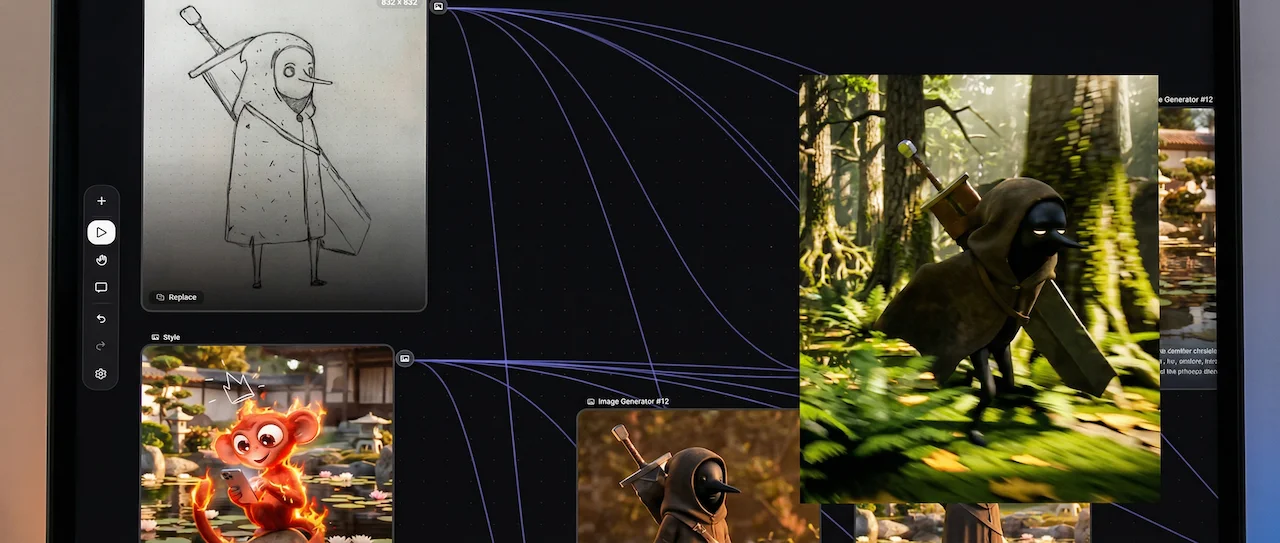
@0xink_ shared a specific "analog-to-digital" character design workflow that leverages Freepik Spaces, Nano Banana Pro, and Kling 2.6. The process begins with a simple pen-on-paper drawing, which is then digitized and given a "3D style" using Nano Banana Pro to build a consistent 3D character. Finally, the character is animated using Kling 2.6, demonstrating how creators are chaining distinct AI tools to move from a rough sketch to a fully rendered 3D animation.
🎥 Kling 2.6: The "Cinematic Soul" Update
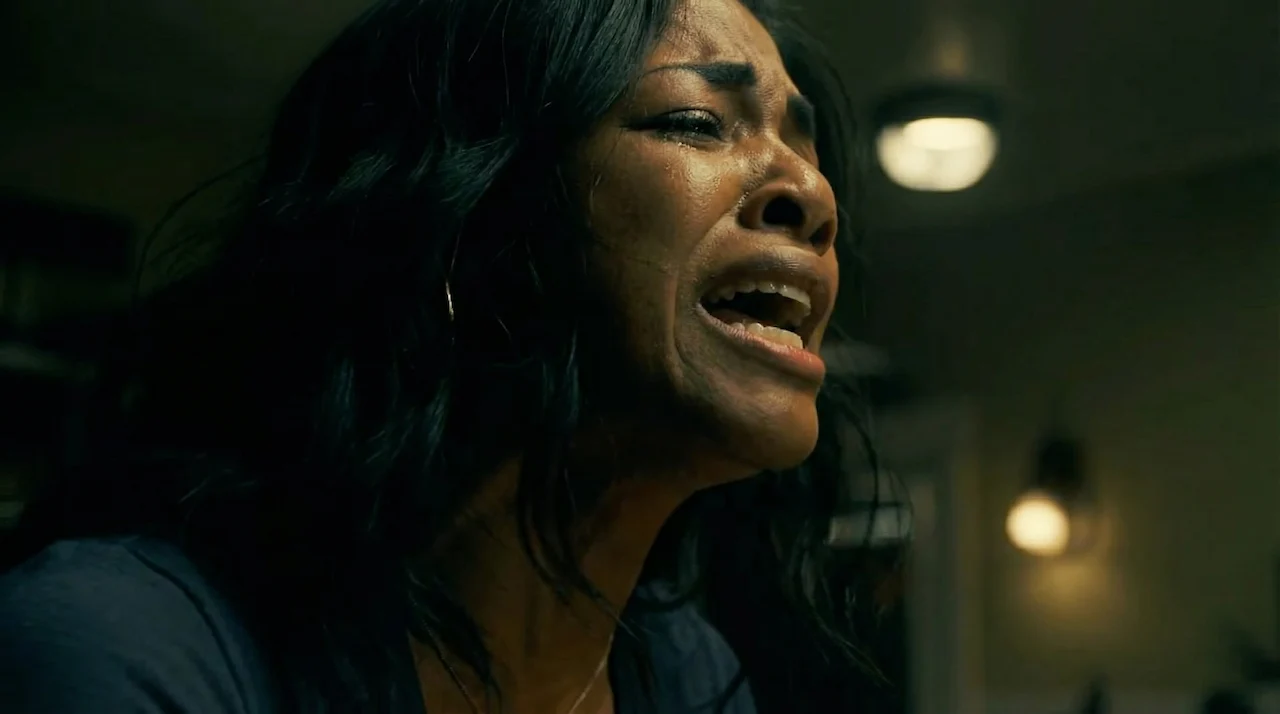
@charaspowerai (Pierrick Chevallier) praised the newly released Kling 2.6, specifically highlighting its "insane" camera control capabilities. The update apparently unlocks high-fidelity pans, zooms, and long takes that were previously difficult to stabilize. He argues that these new controls finally allow creators to bring "real cinematic soul" to AI video, moving beyond simple static generations to complex, director-driven storytelling.
🧪 Model Face-Off: Runway Gen-4.5 vs. Hailuo 2.3
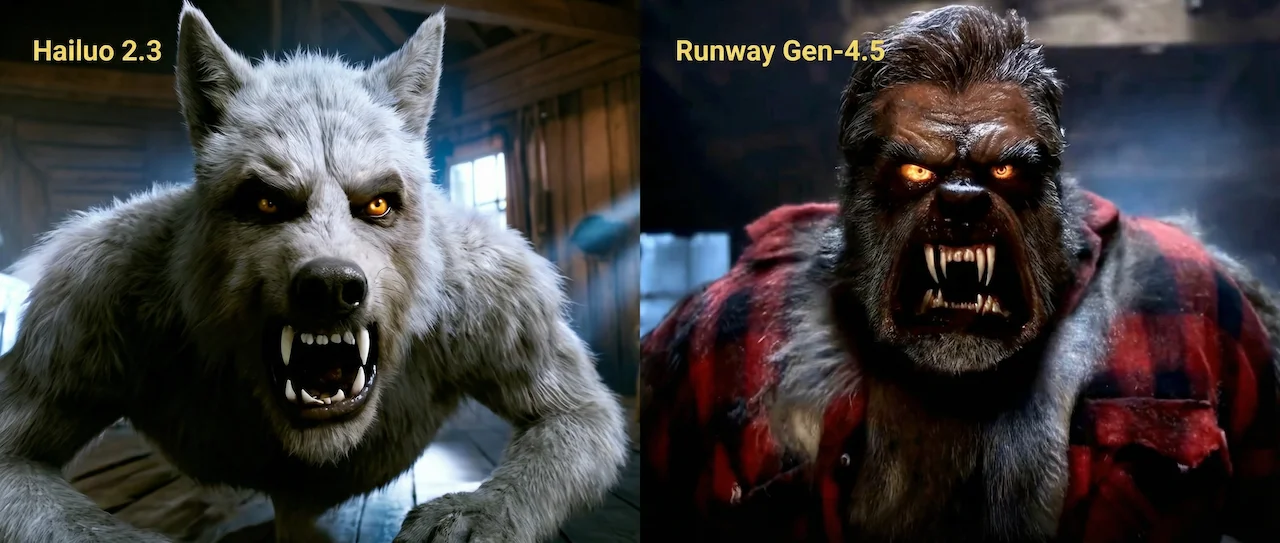
@maxescu (Alex Patrascu) shared a compelling comparison after spending a day testing Runway Gen-4.5, noting that it felt suspiciously familiar to Hailuo 2.3. To test this theory, he ran identical prompts through both models and presented the side-by-side results, inviting the community to compare how similarly the two engines render outputs and interpret prompts. The visual similarities have sparked discussion about the convergence of model aesthetics in the high-end video generation market.
📸 Higgsfield Shots: Your Personal AI Director of Photography
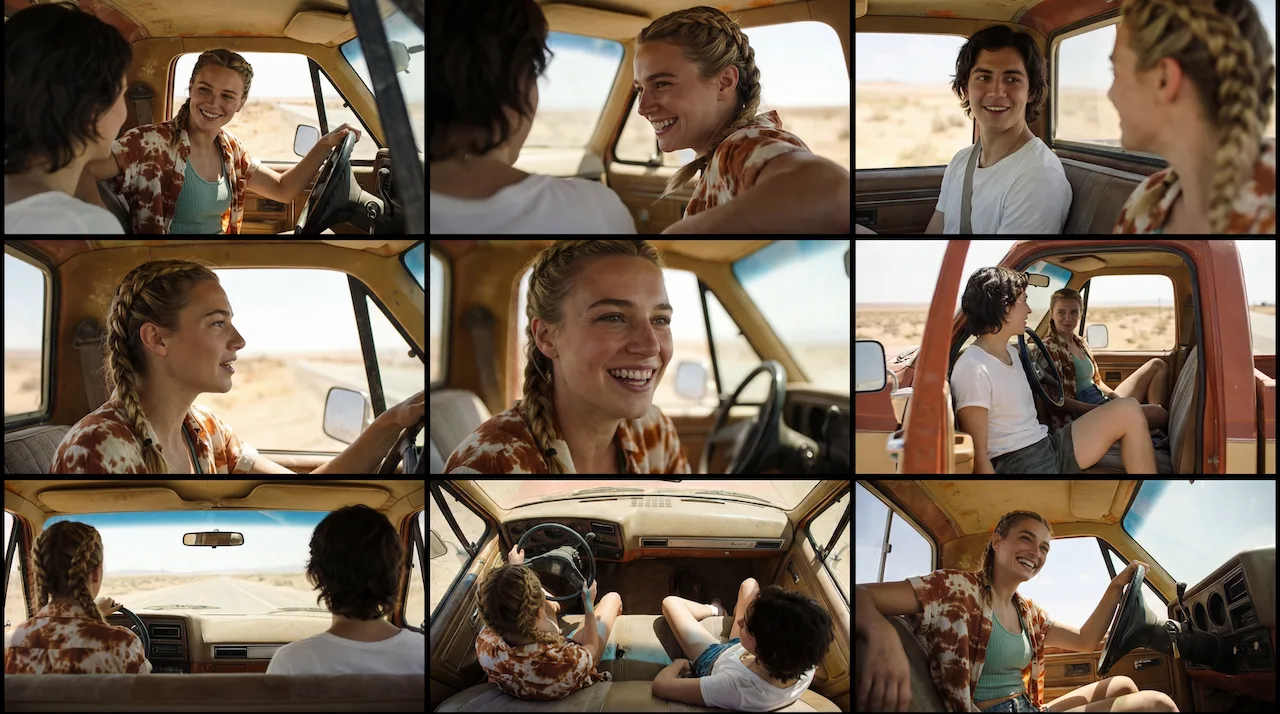
Higgsfield Shots Higgsfield has introduced "Shots," a new storyboard generator designed to act as your personal AI Director of Photography. By uploading just a single static image, the tool instantly expands it into a 9-panel cinematic grid, automatically generating essential camera angles like wide shots, close-ups, and over-the-shoulder views. Best of all, it maintains near-perfect consistency in character identity and art style across every frame, making it a powerful tool for filmmakers and artists to visualize scenes without complex prompting. We tested it ourselves and the reality is that it works for single person shots, but has a lot of issues when it comes to more complicated scenes which leads to additional manual adjustments. It may be a good start, but to create a solid story this is not a tool that can automate this process.
That’s all for now. Keep your finger on the pulse—we’ll be back next week with more workflows, tools, and insights you won’t want to miss.
Want to go beyond weekly updates?
Our AI Filmmaking Course gives you a complete, practical workflow — from writing and design to directing and post-production. We keep the course updated as the tools evolve, so you always stay ahead.